
The question isn't which AI to use. It's knowing which one to use for each task.
More than 60 text, image, and video models power the operation's production. Manycontent picks the best one for each piece, updates the catalog as the frontier moves, and you don't manage or subscribe to any tool.

60 models in one tab solves the smaller of the two problems.
Getting access is the easy part. Subscribing to GPT, Claude, Gemini, VEO, and five more tools is annoying but solvable, and it's what most companies end up doing. The part that keeps stalling teams is deciding. Seedance delivers fluid motion in short scenes, VEO does better with people on screen, Seedream handles product shots with studio lighting, GPT writes long-form copy, Claude follows complex instructions, Gemini reasons well over data. That map shifts with every release, and a release ships nearly every week. In Manycontent's operation, that decision never reaches you: the pipeline routes each task to whichever model is best right now.

The best models, working for your account.
GPT 5.6, Claude 4.8, Gemini 3.1, VEO 3.1, Seedance 2.0, Seedream 5.0, Nano Banana 2, Flux Kontext, and more than fifty others. Every model that shows up at the frontier, Manycontent integrates it and puts it to work for the accounts it runs. One contract covers the entire catalog, no five logins, no five charges on the card.
Automatic selection for every task.
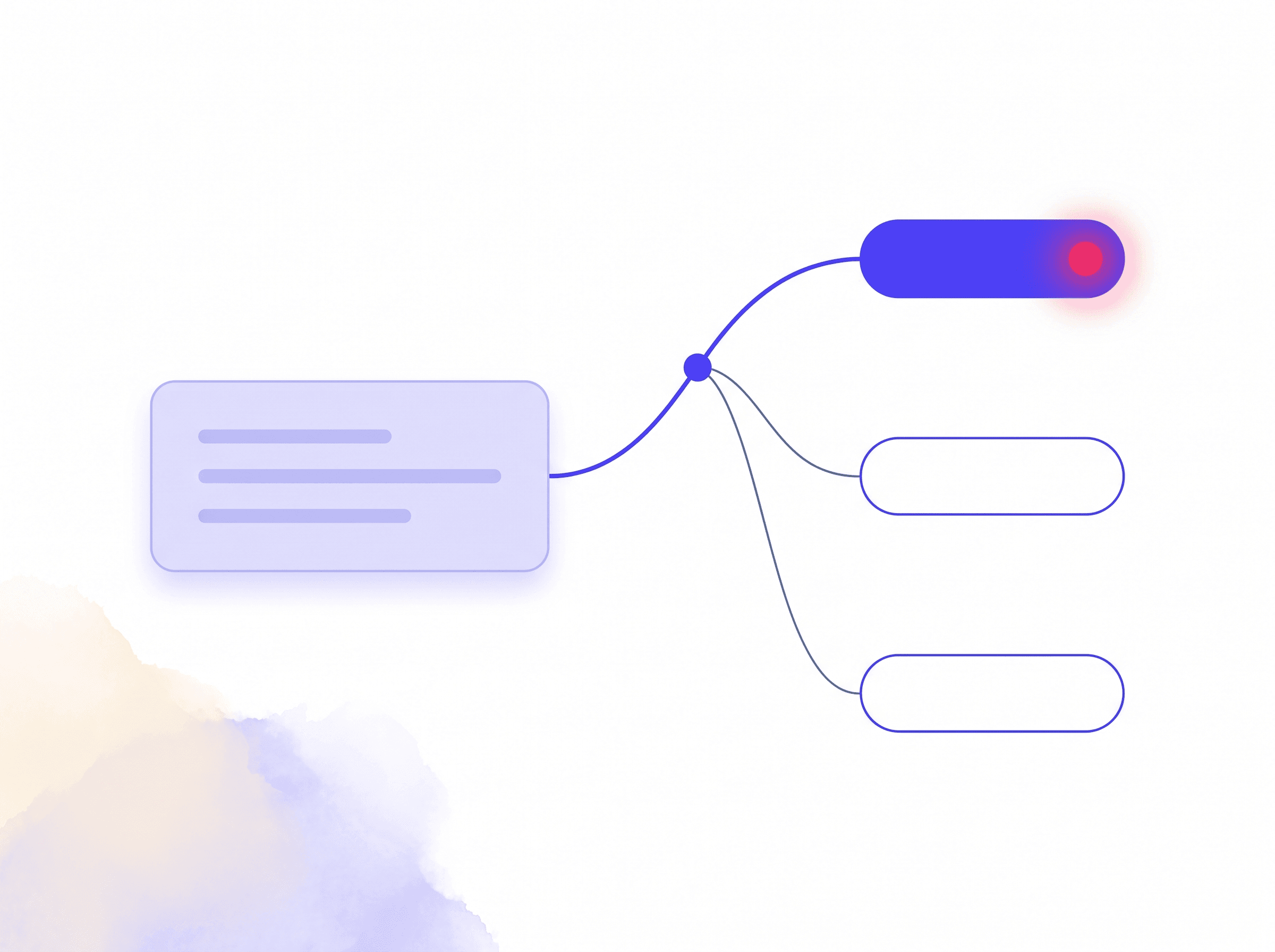
A reels script goes to whichever model writes the strongest hook today. A product image goes to the one with the most consistent lighting. A UGC video goes to the one that best preserves faces across frames. You define the outcome with the account manager; the technology decides which model sits behind each piece.
Specialist models for every goal.
When the goal is specific (a caption that sounds human, a watercolor image, video with sharp cuts, long-form SEO copy, precise audio transcription), the team calls on the model that owns that specialty. The catalog tracks the recommended use for each one, and that map guides your account's production.
Always at the state of the art.
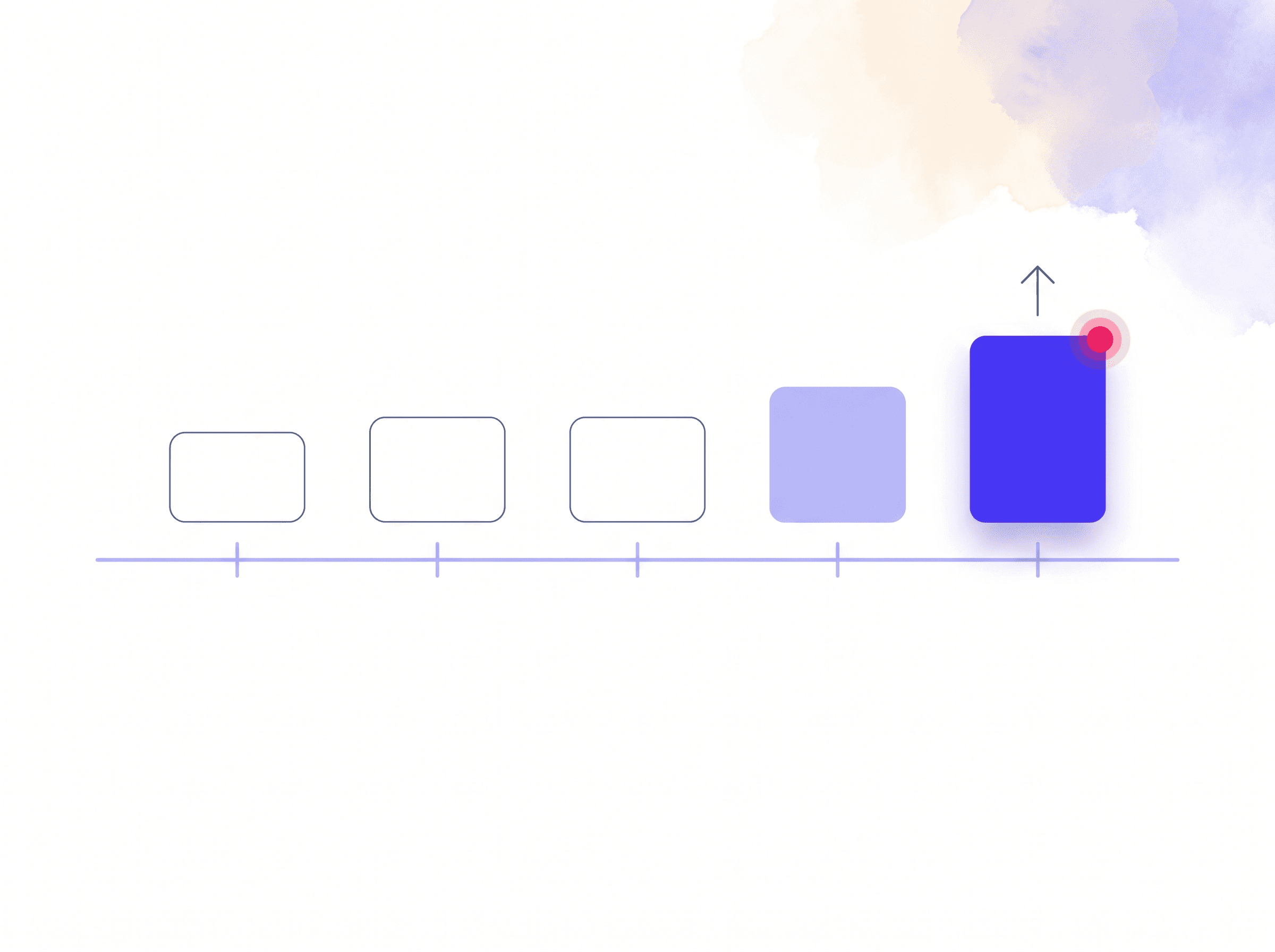
January's top model is rarely April's top model. Manycontent tracks the big tech release cycle, tests every new version against real tasks from the operation, and swaps the default whenever the new one outperforms the old. You don't need to know it changed; the output just gets better.
What changes when nobody on your team has to pick a tool.
Producing content on your own means bouncing between five tabs: one AI for text, another for images, another for voice, another for video, another for transcription. Every switch costs context, and every tool asks for the same explanation of brand, tone, and audience all over again. In the operation, your business context lives in one place. The model underneath can vary; the brief it receives always includes what you sell, to whom, and in what tone. A dentist who requests a carousel about teeth whitening gets pieces aligned to the clinic's identity, with nobody re-explaining anything in five different places.
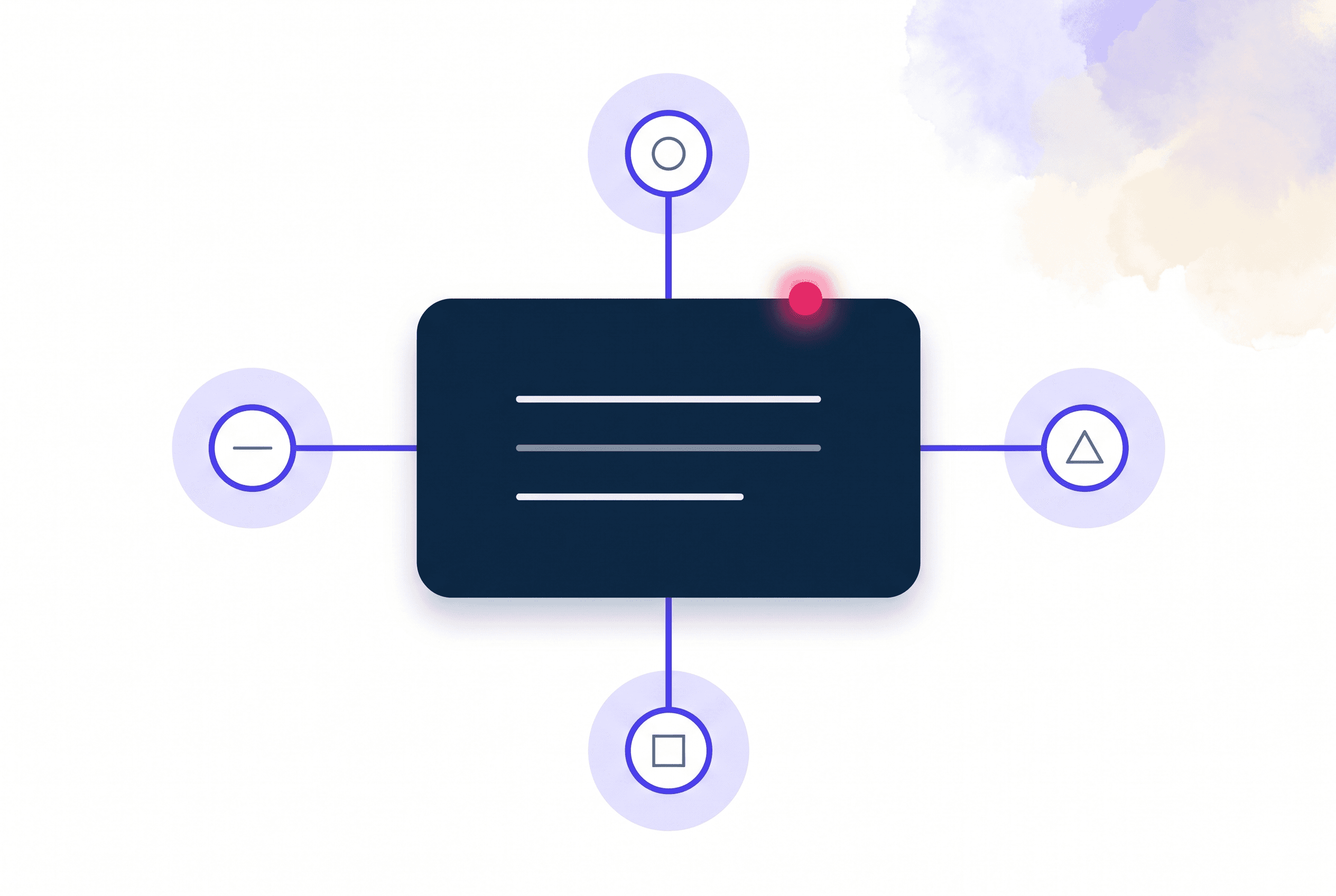
The models don't live in an isolated tab.
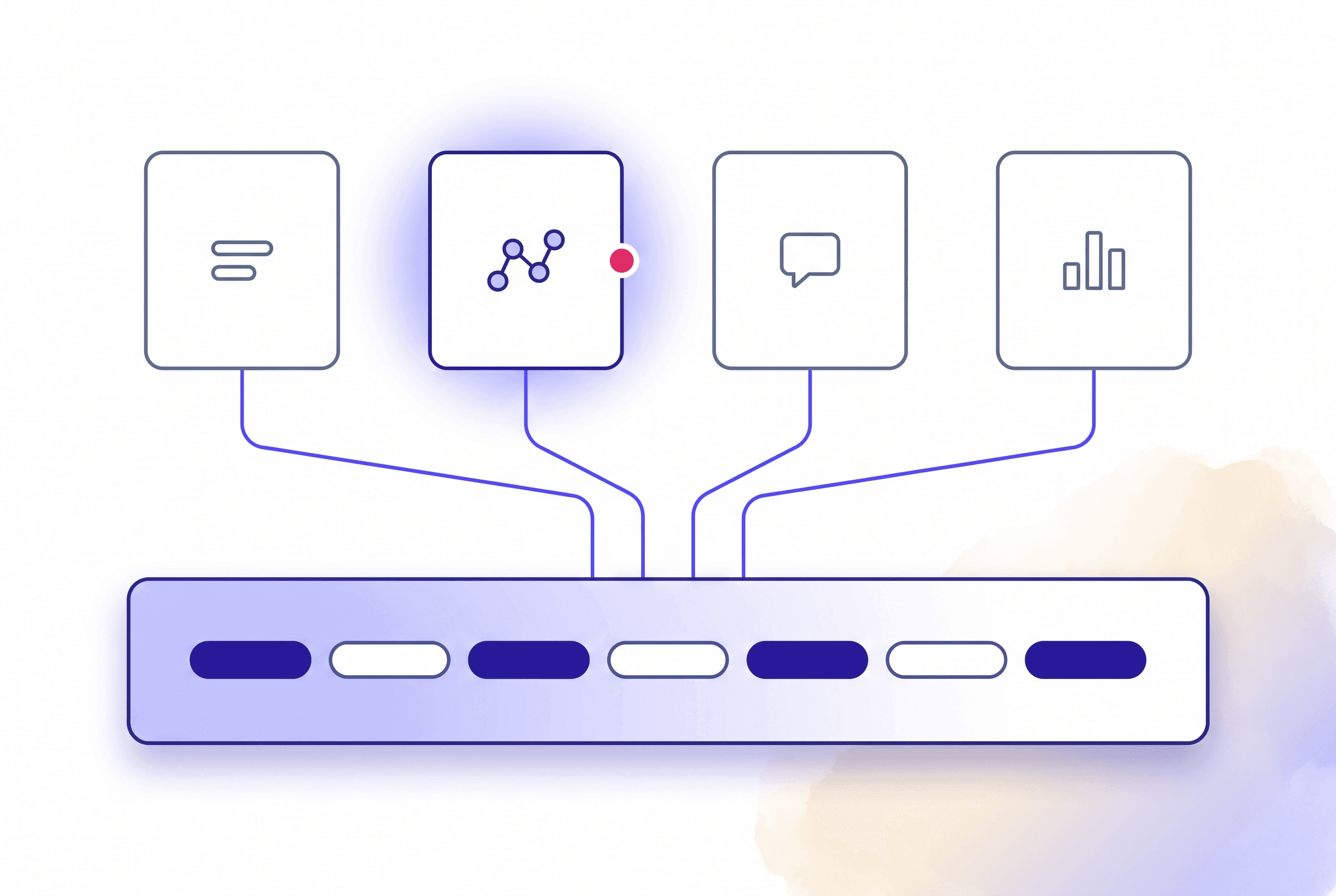
The model library is the fuel behind every front of the service. Content creation uses the right models for each piece, Flow connects blocks powered by them, the agents pick the right model for each moment of a conversation, and market intelligence uses reasoning models to rank themes and competitors. You don't manage the catalog. It works behind everything the operation delivers.
Frequently asked questions.
No. The pipeline and the team make that call, task by task. If your marketing team wants to explore the catalog inside the platform, that access exists, but nothing in the service depends on it.
It depends on the task. One writes long-form arguments better, another follows complex instructions, another delivers stronger product images. Instead of pushing that decision onto you, the operation applies the right choice to each type of piece.
Yes. When a new model passes internal testing on real material, it enters the catalog. If it beats the previous one at a specific task, it becomes the default for that task, and your account's output improves without you asking for anything.
Yes, through the account manager. If the model makes sense for the operation's workflows and isn't in the catalog yet, the request enters the evaluation queue. Frequent requests move up in priority.
No. The API keys belong to Manycontent, not to the public model. No data from your business is used to train the models behind the platform. Details are on the Security page.
Let's design your operation.
Tell an expert where your business stands and get an assessment with an action plan.